
Automate Your Trading Discipline
The Zone Protection Bundle gives you two practical tools for enforcing predefined profit, loss and equity-protection rules on MetaTrader 4 or MetaTrader 5.
These EAs do not open trades or predict the market. They manage positions opened manually or by another EA according to the rules you configure.
$99 — Choose the MT4 or MT5 version.
Your Strategy Opens the Trade. Discipline Must Protect It.
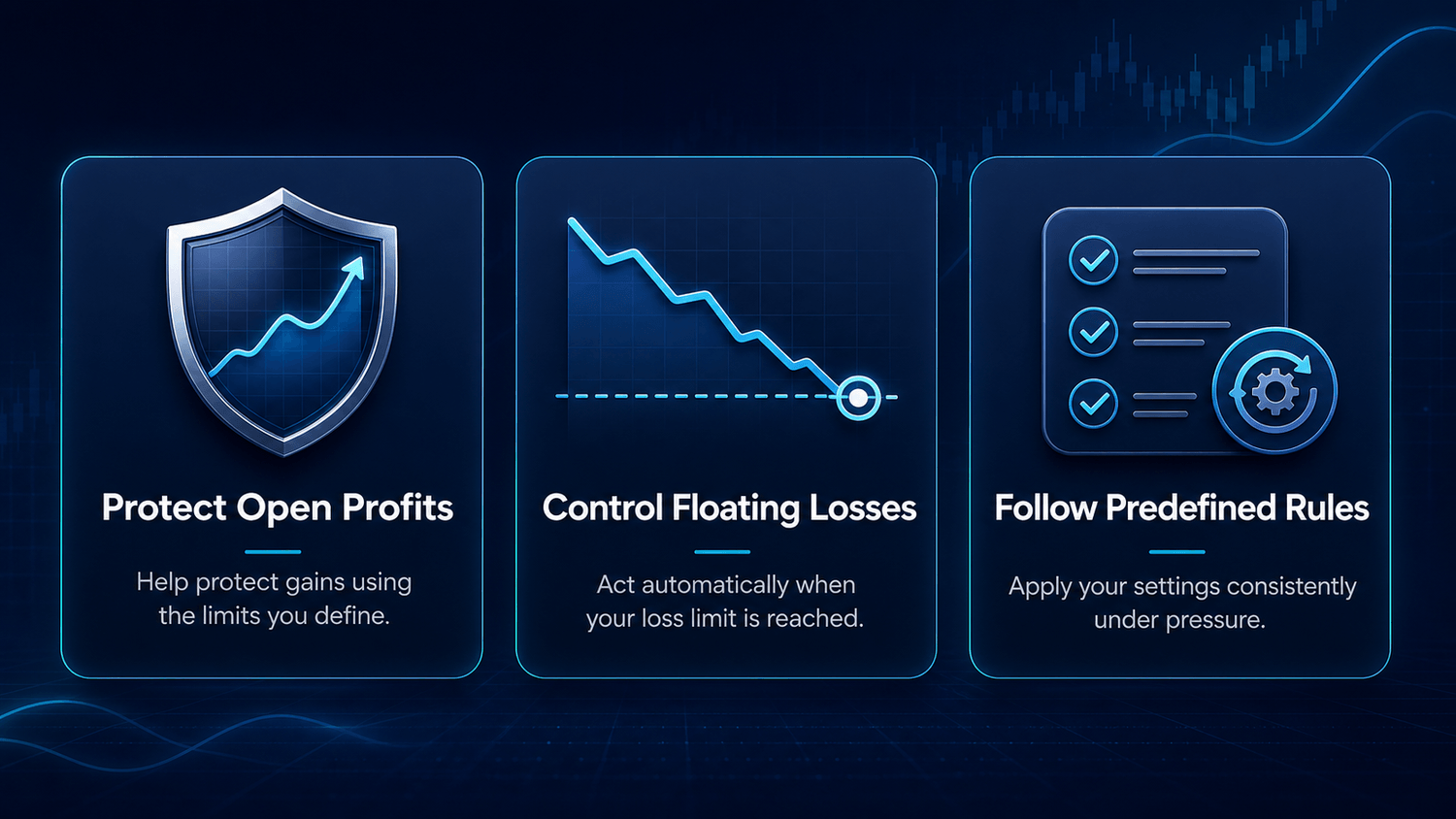
A trading plan only works when its management and exit rules are followed. The Zone Protection Bundle helps execute the risk-management thresholds you define, without relying on decisions made under pressure.
Two Tools. One Clear Purpose.
Each EA performs a different account-management function. Together, they help automate the protection rules you choose for your trading activity.

Auto Close Manager EA
Set predefined floating-profit and floating-loss limits for your account. The EA monitors the difference between account equity and balance and closes managed open positions when your configured target or maximum loss is reached.
Monitors total floating profit and loss
Closes managed positions at a configured threshold
Works with manual trades
Can include trades opened by other EAs
Optional closing notifications

Equity Trailing Stop Manager EA
Apply a trailing protection rule to total account equity. After your configured starting profit is reached, the EA records the highest equity and closes managed positions if equity falls by your defined trailing distance.
Monitors total account equity
Records the highest equity reached
Activates after the configured starting profit
Closes positions after the configured equity decline
Works with manual trades and other EAs
How the Protection System Works

1. Your trades are opened
You open positions manually or use another Expert Advisor to open them.

2. The tools monitor
Auto Close Manager monitors floating profit and loss. Equity Trailing Stop Manager monitors total account equity.

3. A condition is reached
The relevant EA detects that your configured threshold or trailing condition has been met.

4. Positions are closed or trailed
The EAs close or trail the positions included according to their settings and can send a notification.
What’s Included in the Zone Protection Bundle
Auto Close Manager EA
Equity Trailing Stop Manager EA
Files for your selected MetaTrader platform
Direct technical support by email
Future product updates for the purchased version, when available
The MT4 and MT5 bundles are sold separately.
Choose the version that corresponds to the MetaTrader platform you currently use.
See Exactly How It Works
Watch each EA operate inside MetaTrader before choosing your version. These demonstrations show the available settings and how each tool responds when its configured conditions are reached.
Auto Close Manager EA Demonstration
See how floating-profit and floating-loss thresholds are configured and how the EA manages open positions when a limit is reached.
Equity Trailing Stop Manager EA Demonstration
See how the equity starting level and trailing distance are configured and how the EA reacts to a decline from the highest recorded equity.
Choose Your MetaTrader Version
The MT4 and MT5 editions are sold separately. Select the version that matches your trading platform.
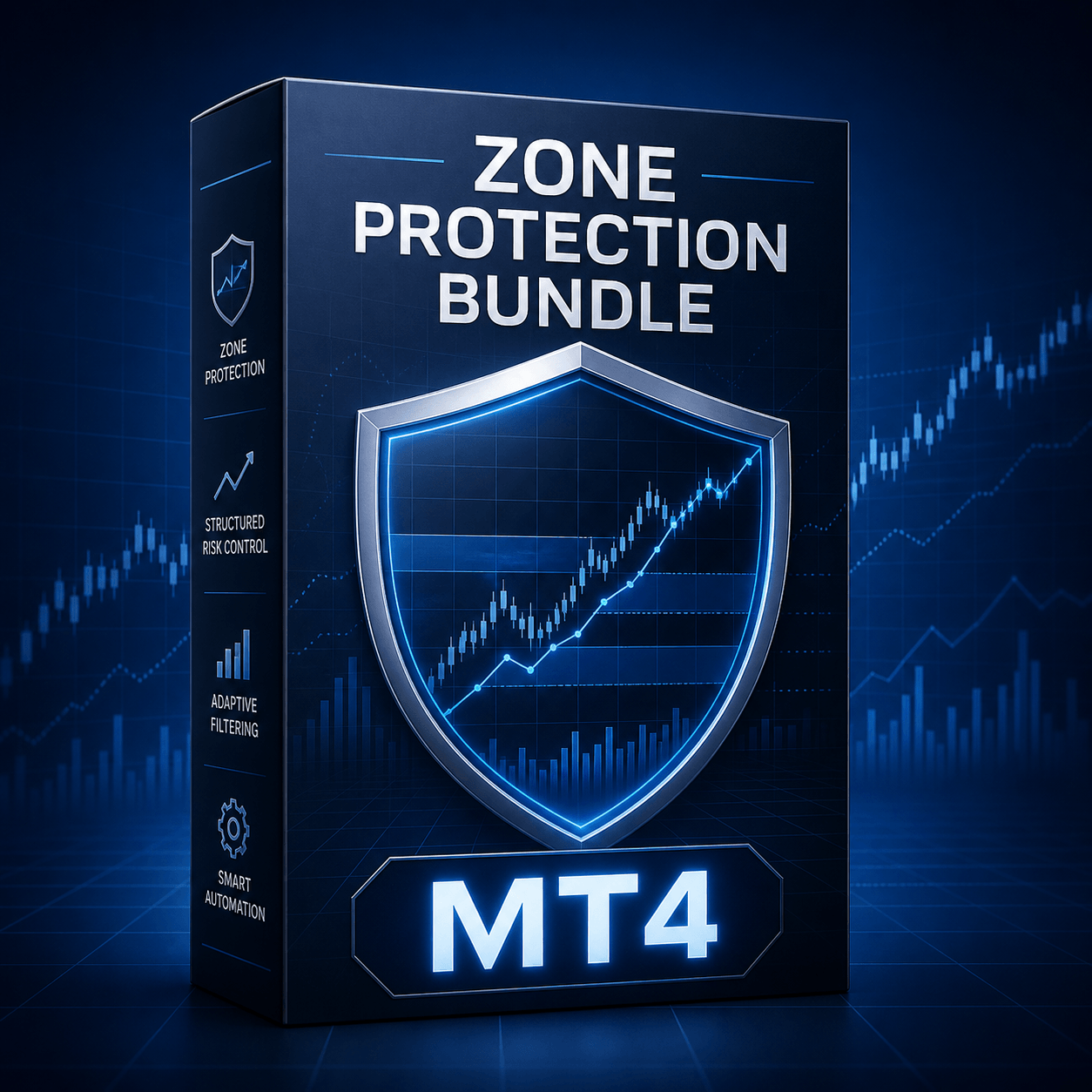
Zone Protection Bundle — MT4

For traders using MetaTrader 4.
Auto Close Manager EA for MT4
Equity Trailing Stop Manager EA for MT4
Direct technical support by email
Get the MT4 Bundle
$99
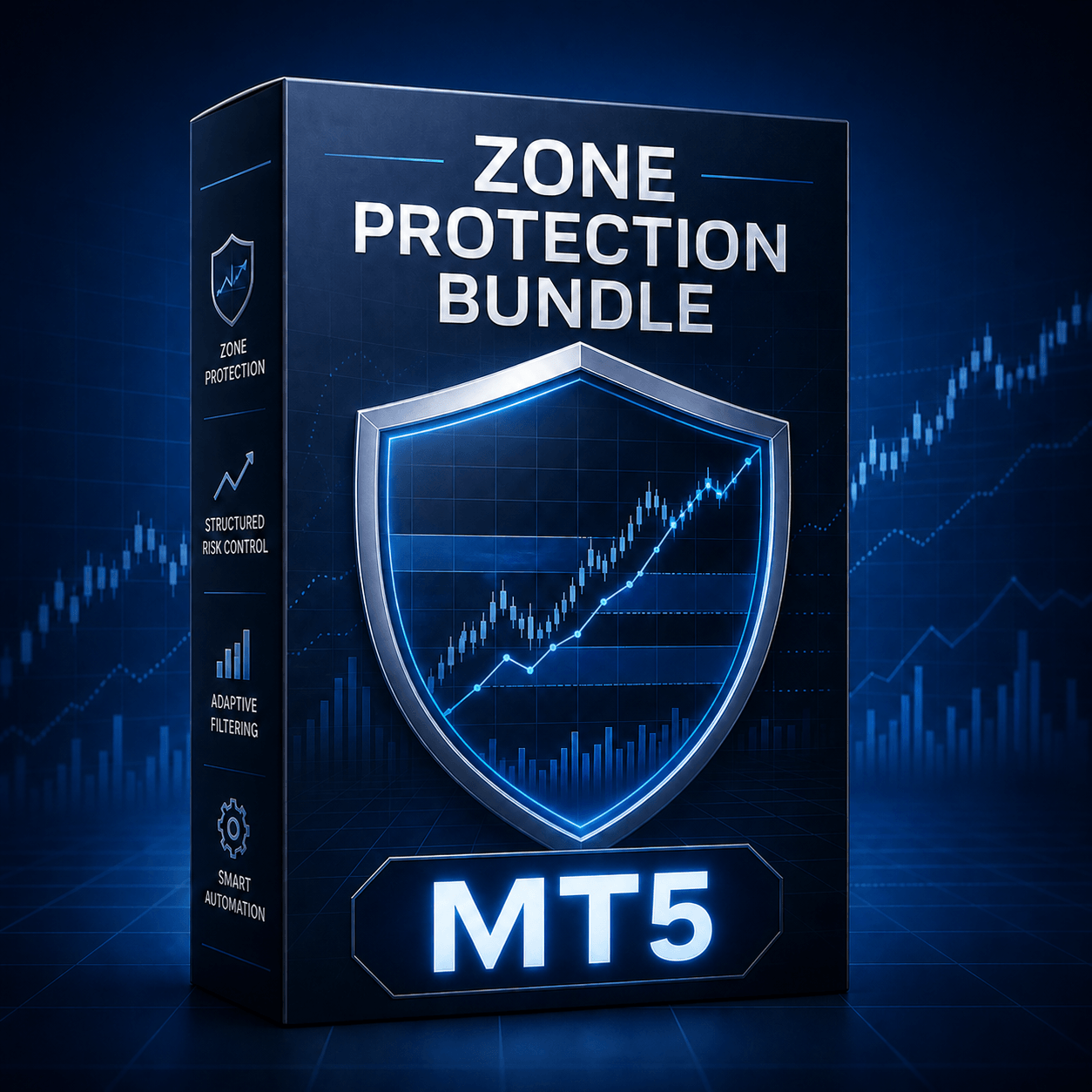
Zone Protection Bundle — MT5

For traders using MetaTrader 5.
Auto Close Manager EA for MT5
Equity Trailing Stop Manager EA for MT5
Direct technical support by email
Get the MT5 Bundle
$99
Built for MetaTrader Users. Direct Support.
The Zone Protection Bundle is designed for traders familiar with the standard process of installing an Expert Advisor in MetaTrader. After payment confirmation, you will receive access to the files corresponding to the platform version purchased. Ensure you provide a valid email address.
Before live use, install the software through MetaTrader’s standard Expert Advisor process, review every input, choose settings that match your risk-management plan and test the complete setup on a demo account.
Technical Support Commitment
If you experience a technical issue, contact us at contact@thezonetraderfx.com with a clear description and relevant supporting information. We will investigate and provide reasonable assistance to help you use the product as described. We do not provide support for:
Broker or platform restrictions
Conflicts caused by third-party software
Dissatisfaction with trading results
The software automates user-defined account-management rules. It does not guarantee profits, prevent every loss or remove the risks associated with trading.
Frequently Asked Questions
Choose MT4 if you use MetaTrader 4 and MT5 if you use MetaTrader 5. The platform editions are separate products.
No. These EAs do not generate signals or open trades. They manage positions opened manually or by another Expert Advisor.
Auto Close Manager acts at predefined floating-profit or floating-loss thresholds. Equity Trailing Stop Manager follows the highest equity reached after activation and acts after your configured trailing decline.
No programming is required. You should understand MetaTrader’s standard Expert Advisor installation process and the settings you choose.
Yes. Both tools can manage positions opened by other EAs. Review all settings and test the complete combination on a demo account first.
Yes. Demo-account testing is strongly recommended before any live use.
No. The MT4 and MT5 bundles are sold separately. Your purchase includes only the platform version you select.
Delivery information and the files for your selected platform will be provided after payment confirmation. Make sure you provide a valid email address.
If you experience a technical issue, contact us at contact@thezonetraderfx.com with a clear description and relevant supporting information.
No. The EAs execute configured account-management rules. They cannot predict market movements, guarantee profits or eliminate financial risk.
Ready to Automate Your Trading Discipline?
Choose the MetaTrader version you use and apply your risk-management rules with greater consistency. Secure cryptocurrency payment will be processed by NOWPayments.
Get the MT4 Bundle
$99

Get the MT5 Bundle
$99
Risk Warning
Trading involves substantial financial risk and may result in the loss of some or all of your capital. The Zone Protection Bundle does not provide trading signals, guarantee profits or prevent every possible loss. The software executes settings selected by the user. Test each EA on a demo account, verify its behaviour and understand every parameter before live use.
Copyright © The Zone Trader. All rights reserved.