
Automate Your Trading Discipline
The Zone Protection Bundle gives you two practical tools for enforcing predefined profit, loss, and equity-protection rules on MT4 or MT5. These EAs do not open trades or predict the market. They manage positions opened manually or by another EA according to the rules you configure.
$99 — choose the MT4 or MT5 version.
Your Strategy Opens the Trade. Discipline Must Protect It.
A trading plan only works when its management and exit rules are followed. The Zone Protection bundle helps execute the risk-management thresholds you define, without relying on decisions made under pressure.
Three benefits of automated trading discipline
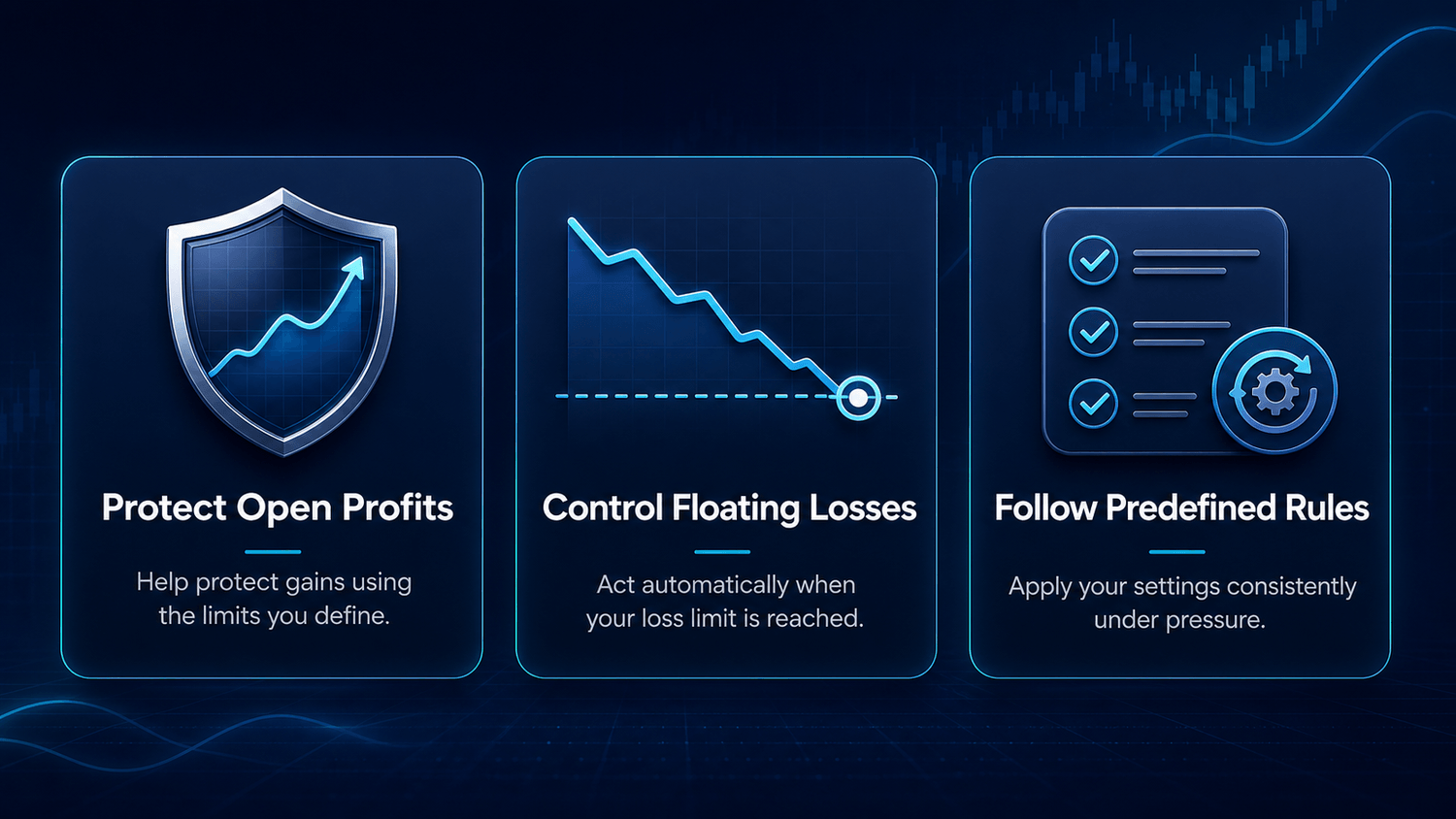
Winning positions that give back gains before you act
Losses that move beyond your predefined limit
Exit rules that become harder to follow under emotion
Two Tools. One Clear Purpose.
Each EA performs a different account-management function. Together, they help automate the protection rules you choose for your trading activity.
Auto Close Manager EA
Monitors total floating profit and loss and closes open positions when the threshold you configured is reached. It works with manual trades and positions opened by other EAs.
Equity Trailing Stop Manager EAMonitors total account equity and follows its movement according to your settings. It can close positions when the configured equity-protection level is reached.
How the Protection System Works
- You or another EA opens the positions
- Auto Close Manager monitors floating profit and loss limits
- Equity Trailing Stop Manager monitors account equity
- The tools execute the rules you configured
Everything You Need to Get Started
- Auto Close Manager EA
- Equity Trailing Stop Manager EA
- Files for your selected MetaTrader platform
- Installation and configuration guide
- Installation video
- Direct email support
The MT4 and MT5 bundles are sold separately. Choose the version that matches the MetaTrader platform you use.
See Exactly How It Works
The demonstration will show the configuration settings, Auto Close Manager reacting to a threshold, Equity Trailing Stop Manager monitoring account equity, and the observable result inside MetaTrader.
[DEMONSTRATION VIDEO TO BE ADDED]
Choose Your MetaTrader Version
Zone Protection Bundle — MT4
Auto Close Manager EA for MT4, Equity Trailing Stop Manager EA for MT4, setup guide, installation video and email support. $99.
Choose MT4
Zone Protection Bundle — MT5Auto Close Manager EA for MT5, Equity Trailing Stop Manager EA for MT5, setup guide, installation video and email support. $99.
Choose MT5
Simple Installation. Direct Support.
After payment confirmation, you will receive the files and installation resources for the platform you selected. Install the EAs in your MetaTrader Experts folder, configure the thresholds according to your own risk plan, and test the setup on a demo account before live use.
If you encounter a technical issue, contact contact@thezonetraderfx.com.
Functional Guarantee
These are downloadable digital products. If an EA does not operate as demonstrated in the installation video, contact me. I will help correct the issue and, if it cannot be resolved, provide a refund.
This guarantee covers the technical operation of the software. It does not guarantee trading performance, profits, or protection from financial losses.
Frequently Asked Questions
Which version should I choose?
Choose MT4 if you trade on MetaTrader 4 and MT5 if you trade on MetaTrader 5. The two versions are sold separately.
Does the bundle open trades?No. The EAs only manage positions opened manually or by another EA.
Do I need programming experience?No programming is required to install and configure the tools.
Can I test the EAs on a demo account?Yes. Demo testing is strongly recommended before live use.
How will I receive the files?Delivery instructions and the files will be provided after payment confirmation.
Do these EAs guarantee profits?No. They automate configured management rules and cannot guarantee profits or eliminate financial risk.
Ready to Automate Your Trading Discipline?
Choose the MetaTrader version you use and apply your risk-management rules with greater consistency. Secure cryptocurrency payment will be processed by NOWPayments.
Risk warning: Trading involves substantial financial risk. This software does not guarantee profits or prevent all losses. Test the EAs on a demo account and make sure you understand every setting before live use.
Copyright © The Zone Trader.